App comparison
Best Porn Blocker for iPhone (2026): What Works on iOS
iPhone limits what porn blockers can do. Here's how Screen Time, Safari content blockers and apps like SEVER, Canopy and BlockerX compare, and how to set one up.

By Stefan M., Founder of SEVER3 min read
Blocking porn on an iPhone is different from Android or a computer. Apple doesn’t let apps watch your screen or filter every app freely. Instead, blockers have to work through a few specific system features, and each one covers only part of the phone. Once you know which part each covers, choosing a blocker gets much easier.
The three ways to block on iPhone
| Method | What it covers | Used by |
|---|---|---|
| Screen Time shielding | Blocks chosen apps and app categories | SEVER App Shield, Screen Time limits |
| Safari content blockers | Blocks sites inside Safari only | SEVER Site Shield, other Safari blockers |
| Network or DNS filtering | Filters domains for apps that use the network | Filtering services, DNS profiles |
| Screen Time web filter | Apple’s built-in adult-site limit | Screen Time (free) |
The gap most people miss: a Safari blocker does nothing in Chrome, Firefox or an in-app browser. If you have other browsers installed, shield them or delete them.
Disclosure: SEVER is our product. We built SEVER. Other tools are described from their official sites and support pages.
1. SEVER
- Best for
- Blocking on your own terms, plus recovery tools
- Access
- App Shield and Site Shield in Premium; tracking free
- Platforms
- iPhone (also Android)
SEVER uses both iOS blocking layers together. App Shield asks for Screen Time permission and shields the apps and categories you select, which is how you handle Chrome, social apps or anything else you relapse through. Site Shield is SEVER’s Safari content blocker: it blocks 200,000+ adult sites in Safari, and you can add your own blocked sites and keywords or allow specific sites.
Pausing Site Shield happens inside the app after a short reflection step. Because it all sits inside a quit-porn app, you also get the streak, check-ins and Fight the Urge when the blocker is doing its job and the urge is still there.
Strengths
- App Shield uses Apple Screen Time to shield the apps and categories you choose
- Site Shield is a Safari content blocker covering 200,000+ adult sites, with your own blocked and allowed sites
- Rules run on your iPhone; no browsing history is saved or sent
Trade-offs
- Site Shield filters Safari only, so shield other browsers with App Shield
- Premium feature
Available on: SEVER on the App Store · SEVER on Google Play
2. Screen Time (built in, free)
- Best for
- A free baseline every iPhone already has
- Access
- Free, built into iOS
- Platforms
- iPhone, iPad
Screen Time’s web content restriction can be set to Limit Adult Websites, and you can add specific sites to block. Apple moved some of these settings in iOS 27 (child accounts now live under Settings → Family), so menu names depend on your iOS version. Set a Screen Time passcode chosen by someone you trust; otherwise this is a speed bump, not a lock.
Strengths
- Limit Adult Websites filter
- Block specific websites
- Passcode protection
Trade-offs
- Basic, Apple-maintained filtering
- Useless without a passcode someone else holds
3. Canopy
- Best for
- Filtering your iPhone and computers together
- Access
- 7-day free trial, then an annual plan (from $8.33/month)
- Platforms
- iPhone, Android, Windows, macOS
Canopy covers the iPhone along with your computers, adding removal prevention and accountability. It suits people whose relapses move between devices.
Strengths
- Porn filtering plus app and website blocking
- Removal prevention
- Accountability
Trade-offs
- Paid after trial
4. BlockerX
- Best for
- One blocker across iPhone, Mac and Chrome
- Access
- Free download; Premium for full features
- Platforms
- iPhone, Android, Windows, macOS, Chrome
BlockerX’s iPhone app blocks sites in Safari and Chrome and sends alerts if it’s uninstalled or its VPN is switched off, so it filters through a VPN rather than only a Safari content blocker. It’s rated 4.4 from about 8,300 ratings on the US App Store.
Strengths
- Works in Safari and Chrome on iPhone
- Panic switch and accountability partner with daily reports
- Uninstall and VPN-disabled alerts
Trade-offs
- A subscription is required for all features
- Filters through a VPN on iPhone
5. Covenant Eyes
- Best for
- Accountability with a trusted ally
- Access
- 7-day free trial, then $18/month or $198/year
- Platforms
- iPhone, Android, Windows, macOS
Covenant Eyes works on iPhone, but its support documentation is clear that platform behaviour differs, especially on iOS. Read its iPhone setup notes before you commit.
Strengths
- Screen Accountability with an ally
- Explicit-domain blocking
Trade-offs
- Its own support pages note iOS behaves differently from other platforms
- Privacy trade-off
6. QUITTR
- Best for
- A popular recovery program with blocking built in
- Access
- Paid: monthly, yearly or lifetime; trial availability varies
- Platforms
- iPhone, Android, Chrome extension
QUITTR is one of the most popular quit-porn apps on iPhone. Its App Store listing describes “advanced filtering technology” and AI-powered temptation blockers alongside its program and community, but doesn’t explain which iOS mechanisms it uses. If you want to know exactly what is blocked and where, check its support pages or compare with SEVER, which documents its Screen Time and Safari layers. See our SEVER vs QUITTR comparison.
Strengths
- Rated 4.7 from about 34,000 ratings on the US App Store
- Filtering and AI-powered blockers described in its listing
- Program, streaks, community and urge tools
Trade-offs
- How the iOS blocking works is not detailed publicly
- No free plan
iPhone lockdown checklist
- Turn on Limit Adult Websites in Screen Time (free baseline).
- Set a Screen Time passcode someone else chooses.
- Turn on a Safari content blocker, such as SEVER Site Shield, in Safari’s extension settings.
- Shield or delete other browsers (Chrome, Firefox and so on) so Safari is the only way onto the web.
- Shield the apps you relapse through, often social or video apps, with App Shield or Screen Time limits.
- Log any slip and note which app it came through. That’s your next door to close.
Which iPhone blocker is right for you?
- You want control without anyone watching: SEVER plus Screen Time.
- You use a Mac or Windows PC too: Canopy or BlockerX.
- You want an ally to see activity: Covenant Eyes.
- You want $0: Screen Time plus a passcode. See free porn blockers.
On Android instead? See the Android porn blocker guide.
Methodology
iOS behaviour comes from Apple Support documentation and SEVER’s own iOS implementation (Screen Time shielding and a Safari content blocker). Competitor details come from official sites, support pages and App Store listings checked in September and October 2026 (QUITTR on October 24, 2026). Any iPhone blocker can be bypassed by someone determined; the aim is enough friction to break the impulse.
Frequently asked questions
Can I block porn on iPhone for free?
Yes. Screen Time has a built-in Limit Adult Websites setting. Protect it with a Screen Time passcode someone else holds, otherwise it can be switched off in seconds.
Does a Safari content blocker work in Chrome on iPhone?
No. Safari content blockers only filter Safari. To cover other browsers, shield or remove those browser apps, for example with SEVER's App Shield or Screen Time app limits.
What is the best porn blocker app for iPhone?
For a self-managed blocker with recovery tools, SEVER (App Shield plus Safari Site Shield). For filtering across phones and computers, Canopy or BlockerX. For accountability, Covenant Eyes.
Why can't iPhone blockers block everything?
iOS only lets third-party apps block through specific system features, such as Screen Time shielding, Safari content blockers and network or DNS settings. Each covers part of the phone, so the strongest setup combines them.
Keep reading
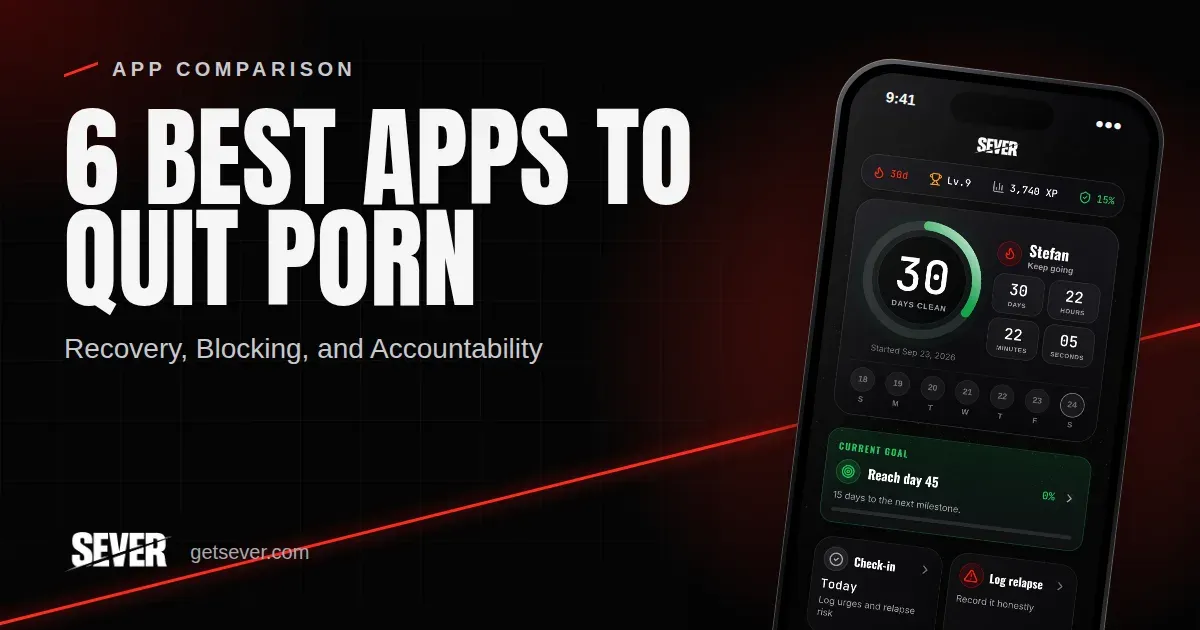
6 Best Apps to Quit Porn in 2026: Recovery, Blocking, and Accountability
Compare six apps for quitting porn by recovery tools, blocking, accountability, free access, platforms, and the kind of support you need.
Best Free Apps to Quit Porn in 2026: What You Get for $0
Which quit porn apps are actually free? We separate permanent free plans from trials and paywalls, and show what each app gives you for $0.
Best Free NoFap Apps: Track Your Streak Without Paying
Free NoFap apps that let you track a streak without a subscription, plus a free setup guide, milestone targets and a relapse log template.