
App comparison
Best Porn Blocker for Adults: Self-Control vs Accountability
Porn blockers built for adults managing their own habits, compared by privacy: who can see what, who holds the off switch, and how much friction each adds.

By Stefan M., Founder of SEVER3 min read
Most porn blockers were built for parents. As an adult quitting for yourself, you need something different: you decide what gets blocked, you decide whether anyone else is involved, and your browsing stays your business. The real choice is between private self-control and deliberate accountability. This guide compares the options by privacy and by who holds the off switch.
Who can see what?
| Tool | Who sees your activity | Who can switch it off | Cost |
|---|---|---|---|
| SEVER | No one. Checks happen on your device | You, after a wait you set (15 minutes to 24 hours) | Premium (tracking free) |
| Screen Time | No one | Whoever holds the passcode | Free |
| Cloudflare family DNS | The DNS service handles your lookups | Anyone with access to the settings | Free |
| BlockerX | Your partner, if you add one (daily browsing reports) | You; Android uninstall protection | Free download; subscription for all features |
| Canopy | Accountability features available | Removal prevention | 7-day trial, then paid |
| Covenant Eyes | An ally sees blurred, flagged screenshots | You and your ally | 7-day trial, then paid |
Disclosure: SEVER is our product. We built SEVER. Other tools are described from their official sites and support pages.
1. SEVER
- Best for
- Adults who want friction without being watched
- Access
- Shields in Premium; streak, check-ins and relapse logs free
- Platforms
- iPhone, Android
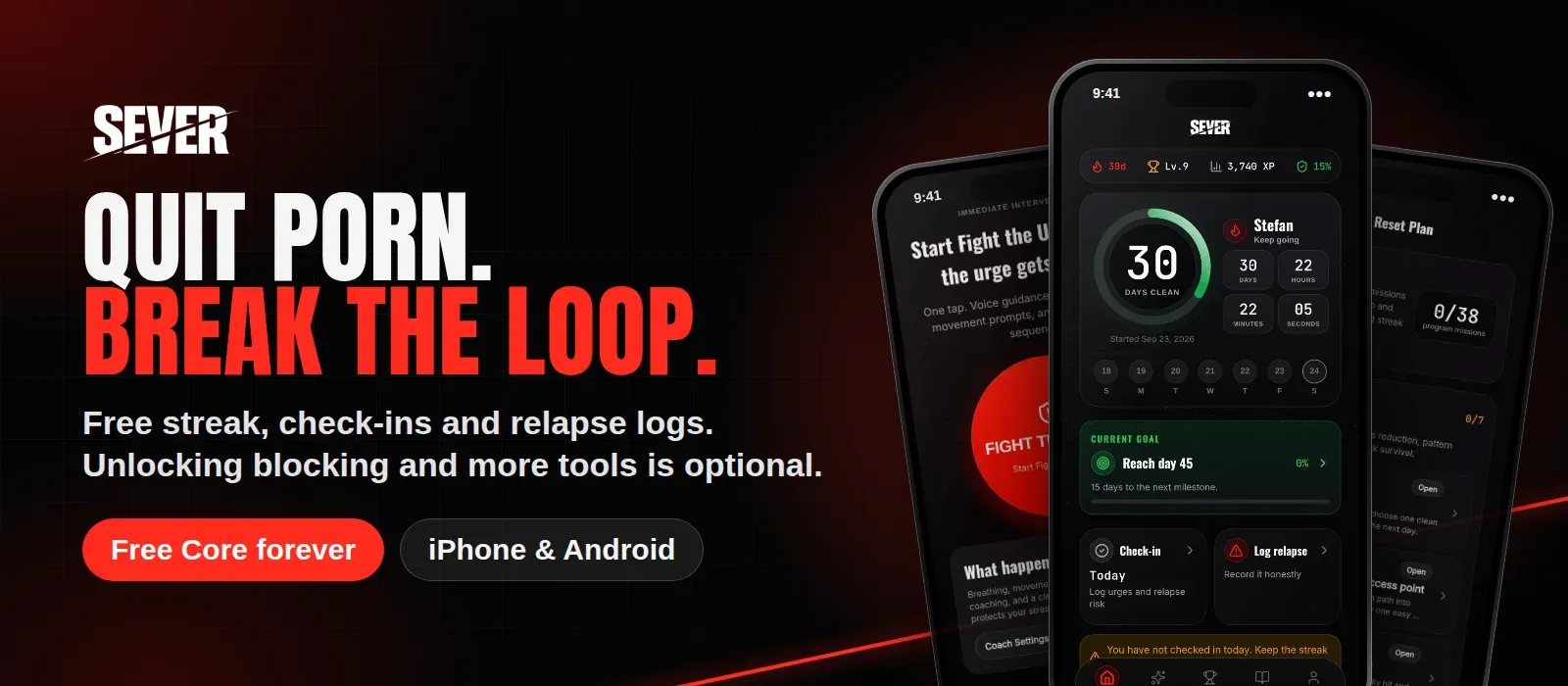
SEVER was designed for adults managing their own recovery. On iPhone that’s Apple’s web content filter, Protection DNS, a Safari content blocker and Screen Time app shielding, covering every browser; on Android, Private DNS plus browser and app checks, without a VPN. SEVER doesn’t record your browsing or report to anyone.
You stay in control, but control comes with friction: pausing or weakening protection means waiting 15 minutes, an hour or 24 hours, and the stricter locks add a typed sentence or a 2-minute reflection. That wait is often enough to let an urge pass. If you want people involved, SEVER’s private community (Premium) offers peer support without anyone monitoring your screen.
Strengths
- Adult sites blocked in every browser; Safari content blocker covers 200,000+ sites; App Shield for chosen apps
- Doesn't save or send browsing history, matched sites or your app list
- Protection lock: weakening protection waits 15 min, 1 h or 24 h, so it adds friction without anyone watching
Trade-offs
- No built-in human accountability
- Premium feature
Available on: SEVER on the App Store · SEVER on Google Play
2. BlockerX
- Best for
- Starting private, adding a partner later
- Access
- Free download; Premium for full features
- Platforms
- iPhone, Android, Windows, macOS, Chrome
BlockerX works as a private blocker by default and lets you add an accountability partner, who then receives daily browsing reports. That makes it a middle ground if you’re unsure how much involvement you want. Just know what the partner will see before you add one.
Strengths
- Accountability partner is optional
- Custom lists, allowlist mode and a panic switch
- Covers computers and Chrome
Trade-offs
- A subscription is required for all features
- Partners receive daily browsing reports
3. Covenant Eyes
- Best for
- Adults who want someone else to see
- Access
- 7-day free trial, then $18/month, $198/year or $950 lifetime
- Platforms
- iPhone, Android, Windows, macOS
Covenant Eyes is the opposite design: privacy is traded for accountability on purpose. Screenshots are processed, blurred and surfaced to your ally when questionable. For some adults, being seen is exactly what works.
Strengths
- Screen Accountability with an ally you choose
- Explicit-domain blocking and check-ins
Trade-offs
- Screenshots are processed and shared when flagged, which is intentional but not private
4. Canopy
- Best for
- Strong filtering with accountability options
- Access
- 7-day free trial, then an annual plan (from $8.33/month)
- Platforms
- iPhone, Android, Windows, macOS
Canopy’s adult plans include filtering, app and website blocking, removal prevention and accountability. Choose it if you want a filter that’s hard to remove across all your devices.
Strengths
- Filtering with app and site blocking
- Removal prevention
Trade-offs
- Often positioned for families
5. Free, private baselines
- Cloudflare family DNS: set
1.1.1.3/1.0.0.3on your router, orfamily.cloudflare-dns.comas Android Private DNS. No account, no app. - Screen Time on iPhone: Limit Adult Websites, with a passcode. Private, but only as strong as whoever holds that passcode.
Setup steps are in our free porn blocker guide.
Private or accountable? A quick decision guide
- Is secrecy part of your pattern? If you hide relapses from everyone, accountability (Covenant Eyes, Canopy, BlockerX partner) may be worth the privacy cost.
- Would monitoring make you quit the tool? Then start private (SEVER, DNS) and build in friction instead.
- Do you relapse on a computer too? You need a cross-device option: BlockerX, Canopy or Covenant Eyes, or DNS on your router.
- Do you switch blockers off in weak moments? Choose friction you can’t skip instantly: a reflection step, uninstall protection or a passcode someone else holds.
Methodology
We compared privacy and control using each tool’s official site, support pages and store listings (September and October 2026) and SEVER’s current implementation. “Who sees your activity” describes each product’s design, not a security audit. For recovery beyond blocking, see the best porn addiction apps.
Frequently asked questions
What's the difference between a parental control and a porn blocker for adults?
Parental controls assume someone else is in charge. An adult porn blocker assumes you are: you choose what's blocked, you decide whether anyone else is involved, and your browsing stays private unless you choose accountability.
Is there a private porn blocker that doesn't report to anyone?
Yes. SEVER doesn't save or send browsing history or report to anyone. DNS filters and Screen Time also work without involving another person.
Should I use an accountability app?
If secrecy is part of your pattern and you have someone you trust, accountability can help a lot. If the idea of being monitored makes you avoid the tool entirely, start with private self-managed blocking.
Keep reading
Best Free Apps to Quit Porn in 2026: What You Get for $0
Which quit porn apps are actually free? We separate permanent free plans from trials and paywalls, and show what each app gives you for $0.
7 Best Apps to Quit Porn in 2026: Free and Paid, Compared
We compared seven apps to quit porn on blocking, urge tools, free access, price and platforms. Updated November 2026 with Seed and current US prices.
Best Free Porn Blockers in 2026 (and What's Actually Free)
The porn blockers you can use for $0: iPhone Screen Time, Android Private DNS and Cloudflare's free family DNS, with setup steps and honest limits.